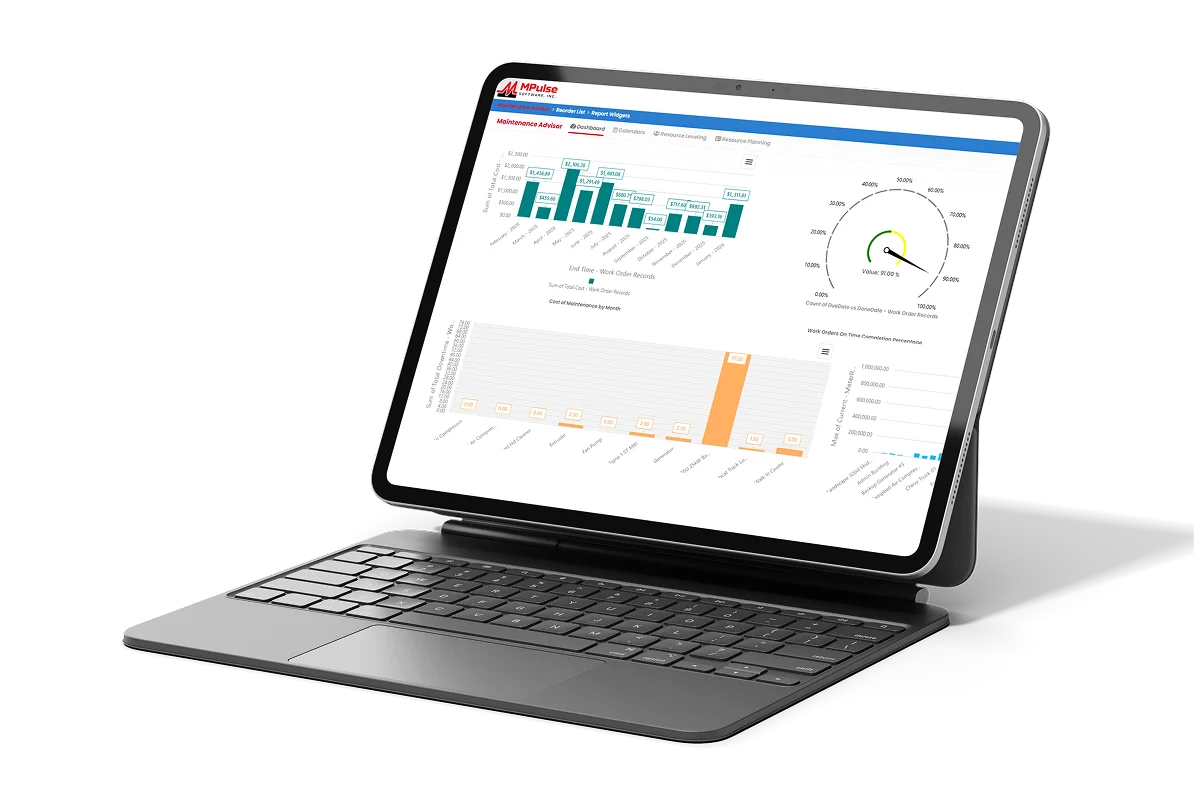
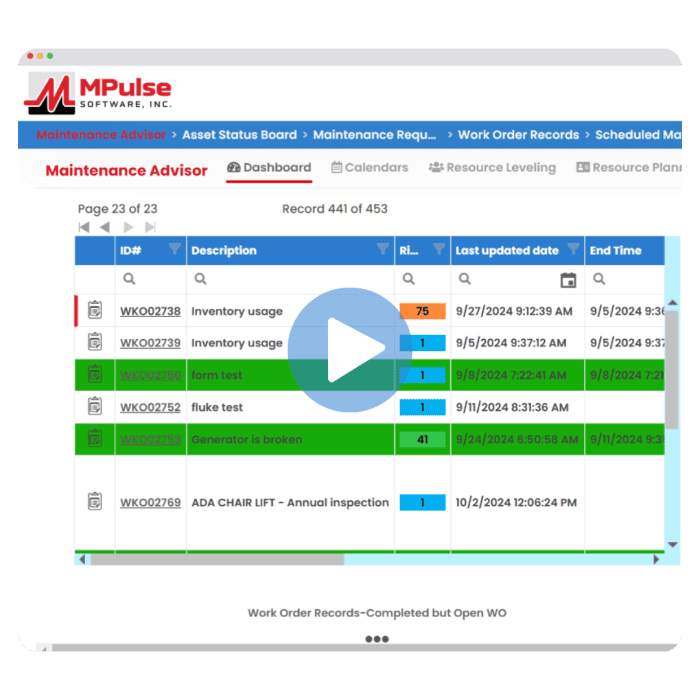
Access control is not just security. It is usability. MPACT CMMS by MPulse Software uses custom permissions by role and location to give every user a system that shows their work and nothing else.
CMMS user permissions define what each user can see and do: which records, which locations, which actions. In MPACT, permissions are custom and location-aware, so a technician, a site manager, and an enterprise administrator each work inside boundaries that match their responsibility.
Control Built for Real Organizations
Custom permissions per user and role
Define what each role can view, edit, and manage. Sensitive data stays with the people responsible for it, and everyone else's screen gets simpler.
Location-based permissions
Multi-site operations restrict users by location, so each site works its own queue while leadership keeps the enterprise view.
Identity add-ons for enterprise standards
SAML single sign-on and multi-factor authentication are available as Enterprise Add-Ons, connecting MPACT to the identity controls your IT team already runs. See single sign-on
The Hidden Benefit: Simpler Screens
Every field a user cannot act on is noise. Permission boundaries strip that noise, which is why well-configured access control reads as a cleaner interface, faster training, and fewer wrong-record mistakes, not as a lock on the door.
Frequently Asked Questions
Can permissions differ by location?
Yes. Location-based permissions restrict users to their sites while enterprise roles see across locations.
Who manages permissions?
Your MPACT administrators. Permission management is configuration, supported by MPulse implementation services during setup.
Does MPACT support SSO and MFA?
Yes, as Enterprise Add-Ons: SAML single sign-on and multi-factor authentication for organizations with enterprise identity requirements.
Right People, Right Records
Walk through your role structure in a demo and see the permission model mapped to it.